Free image to text converter
Drop in a photo, a screenshot, or a scanned PDF. OCRphoto reads the words and hands them back as text you can copy, correct, and send on.
First extraction free · no account needed · your file is deleted after it is read
Start from the file you already have
Every entry opens the same reader. They differ in the advice written underneath — a receipt, a whiteboard, and a scanned contract each fail for their own reasons.
OCR for pictures, screenshots, and scans
Image OCR turns the words in a picture into characters you can select, search, and paste. It is what you need when the only copy of some text is an image: a photo of a letter, a screenshot of a chat, a scanned contract, a slide someone sent you.
Screenshot OCR is the easy case, because computer-drawn text is sharp and evenly lit. Photo OCR depends on the capture: a page shot flat, in soft light, with the text filling the frame reads almost as well as a scan. Scanned PDFs are page images too, so they need the same reading, and handwriting works when it is dark and evenly spaced.
The file format matters less than its size and compression. We tested one invoice at several sizes: at a normal screenshot width every format read all twelve details we checked, but shrunk to 342 pixels the PNG stayed perfect while a quality-30 JPEG got the total wrong. PNG to text and JPG to text show the full results, and the guide toextracting text from an imagecovers the options already built into Windows, Mac, iPhone, and Android.
Three moves, and the words are yours
- Add the fileA photo, a screenshot, or a scanned PDF, up to 10 MB. Drag it in or pick it from your phone.
- It gets readUsually a few seconds. Line breaks and list order survive wherever they carry meaning.
- Take the textCopy it in one click, or save it as a .txt file. Then the source image is gone.
The capture sets the ceiling
OCR reads pixels. If the words are small, tilted, or lit from one side, no converter can invent the detail that never reached the sensor — which is why a second photo beats a second tool almost every time.
Put the page flat, hold the camera parallel to it, use soft indirect light, and fill the frame with the text. That is the whole technique. When reshooting is not an option, reading blurred text is still worth a try — it works more often than it looks like it should.
How to take a photo OCR can read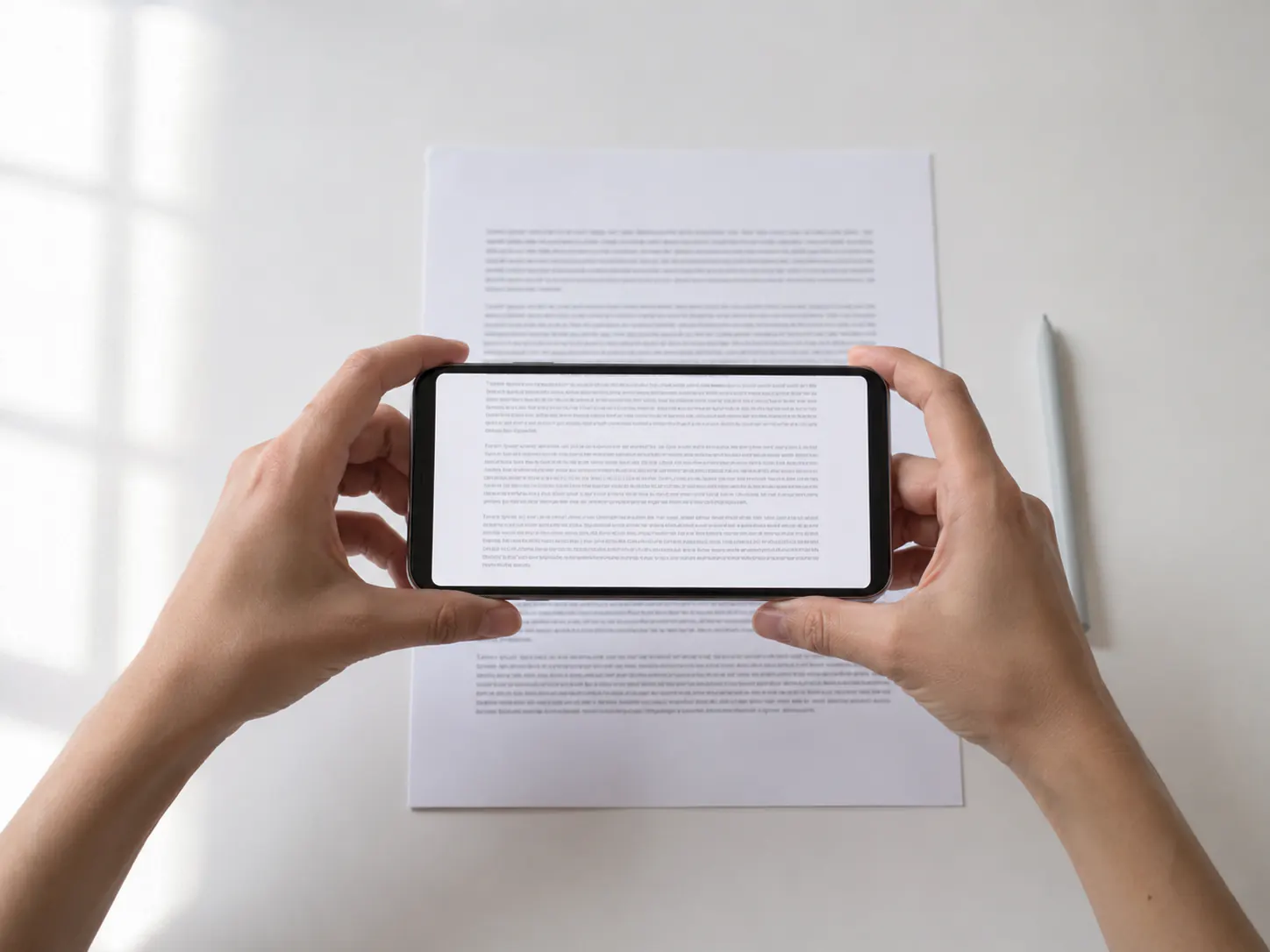
What actually comes back
A real result from the model this site runs, trimmed to the main lines: plain text in reading order, every amount and account number right.
invoice.jpg, 760 px wide, saved at JPEG quality 60, with fine print about 10 px tall
INVOICE 2026-0418 Northfield Print Co. · 14 Mill Lane, Leeds LS1 4AB Design retainer, August ··· 1,850.00 Print proofs (3) ··· 240.00 Shipping (rn-11 courier) ··· 31.50 Total due ··· 2,121.50 Pay to IBAN GB29 NWBK 6016 1331 9268 19 by 30 Sept.
Your file leaves as soon as it is read
The upload sits in private storage for the seconds it takes to read it, then it is deleted. The job record and the extracted text expire within a day. There is no gallery, no shared link, and no training on what you send.
- Source file kept
- 0 min
- Text expires after
- 24 h
- Accounts required
- None
Questions people ask first
How do I OCR a picture?
Upload the photo, screenshot, or scan above. OCRphoto reads the words and returns them as plain text you can copy or save as a .txt file, usually within seconds.
Is OCRphoto free to use?
Your first extraction is free and works without an account. After that, extractions use credits from a one-time pack; there is no subscription.
Can I OCR a screenshot?
Yes, and screenshots read best: the text is sharp and evenly lit. PNG, JPEG, and WebP screenshots from Mac, Windows, iPhone, and Android all work.
What file types are supported?
JPEG, PNG, WebP, HEIC (the iPhone photo format), and PDF, up to 10 MB per file.
Which image format reads best?
For small text, PNG. In our test a 342-pixel-wide invoice read perfectly as PNG, while the same image saved as a low-quality JPEG came back with a wrong total. At normal sizes both read fully.
Does it keep the layout?
It keeps line breaks and reading order where they carry meaning. Fonts, columns, and tables are not rebuilt; you get plain text.
Are my uploads private?
Uploads are held in private storage only while they are being read. The source file is deleted after a successful extraction, and the text expires within a day.
Can I use it from code?
Yes. There is an HTTP API and an MCP server on the same credits; see the developer page.
Stop retyping what you can already see
Your first extraction is free and does not need an account.